
Zapata County Warrant Search Limits
No all-court public warrant database was found for Zapata County. The sheriff's site gives contact and duty information, but no searchable active-warrant list. Texas TCIC and TLETS are criminal-justice systems for authorized users, not public self-search portals.
For a traffic or Class C citation, GovRec is the county-linked JP case route. County Court and District Court records use different clerks. A blank result in one system means only that the searched source did not return a match; it does not establish that every court has no order.
How to Search for a Warrant in Zapata County
Choose the route by the paper that raised the question. A JP ticket can be searched through the county-linked citation service. A County Court or 49th District Court file should go to its own clerk. The Sheriff's Office is a service and custody contact, not a replacement for the issuing judge or clerk.
Have your name, date of birth, and cause or citation number ready. Use your own details or help a relative who has authorized you. Do not treat an old case entry, payment screen, or name match as proof of a current warrant.
- For a JP citation, use the Zapata County GovRec Criminal Search. Select Name and DOB or Citation, then choose the precinct tied to the ticket if prompted.
- Use first name, last name, and date of birth together for the name mode. A citation search needs the ticket number; a warrant number is not a substitute.
- Call the issuing JP if the case is missing or the Details screen leaves a question. For a County Court file, ask the County Clerk; for a felony, ask the District Clerk.
- Call the Sheriff's Office at 956-765-9960 for questions about service or custody. The county has not published a warrant-only line or phone disclosure promise.
- For an existing document, send a written Texas Public Information Act request to the office that keeps it. Use DPS or OmniBase only for a reported FTA/FTP license hold.
Zapata County GovRec Search Modes
The JP page links to GovRec for criminal citation search and payment. The landing page directs a user to Criminal Search, then offers name and date of birth or ticket/citation number. A result can show basic case information, a Details action, and payment choices where available. It is not presented as a full county warrant register.
The county's GovRec landing page gives the public search and payment instructions.
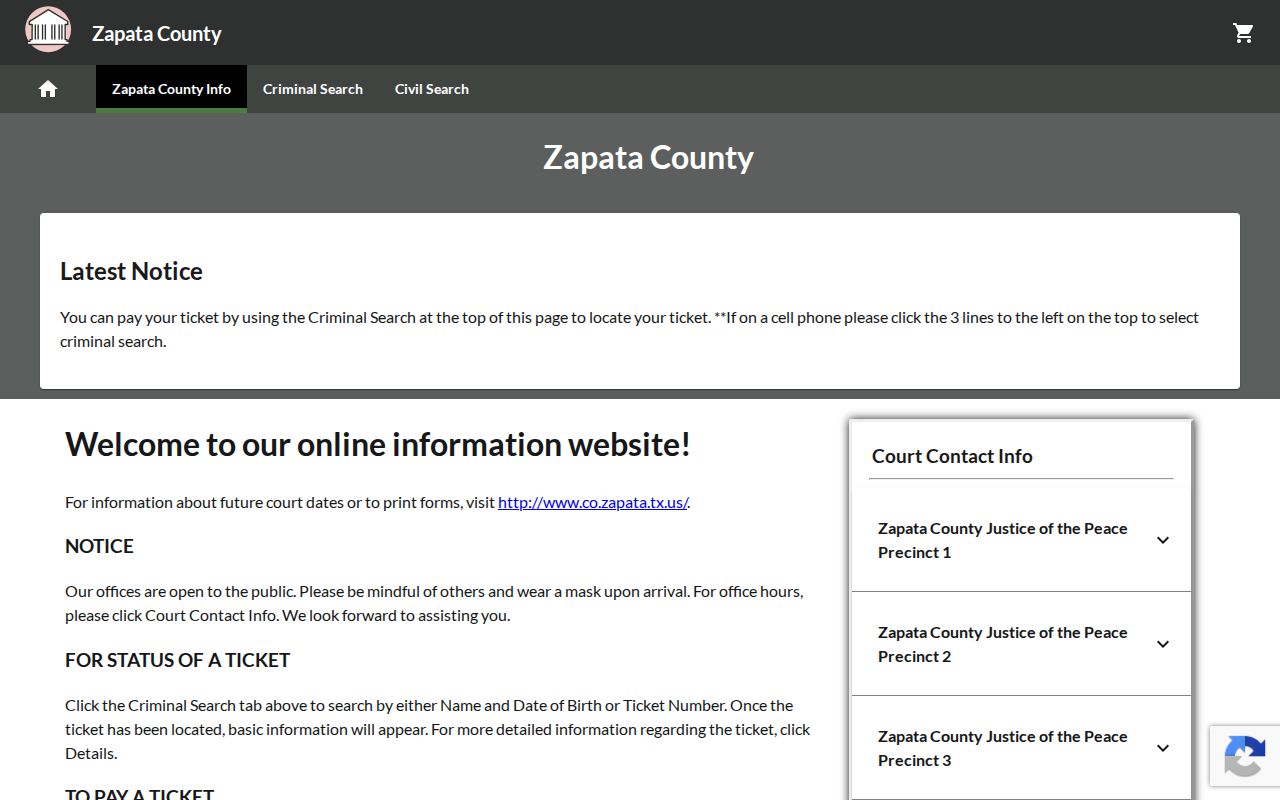
Read the payment and plea notice before using a control. A full payment can count as a guilty or no-contest plea, while a not-guilty plea requires court contact.
Zapata County Warrant Search Fields
The inspected configuration has two search modes across four JP applications. Name and DOB requires all three displayed fields. Citation mode requires a citation number. No partial-name rule or exact-match behavior is published, so a common name or a spelling variation should be checked with the precinct clerk.
| Field Label | Type | Required | Notes |
|---|---|---|---|
| Search By | Selector | Yes | Name and DOB or Citation. |
| First Name | Text | Yes in name mode | No partial-match rule is published. |
| Last Name | Text | Yes in name mode | Use with first name and date of birth. |
| DOB | Date | Yes in name mode | Displayed format guidance is not stated. |
| Citation | Text | Yes in citation mode | Ticket/citation number, not a warrant number. |
| Driver license | Text | No, hidden | Configuration marks this field not displayed. |
Zapata County Search Result Limits
A portal result is a JP ticket or case view, not a warrant confirmation for every court. The exact result columns were not publicly exposed during research, and no county warrant-number format, export limit, update cadence, or wildcard rule was found. The screen's Details control opens more ticket information, but it cannot establish that a separate order has been recalled.
The County Clerk links to LGS, whose public entry screen showed Email Address, Password, Login, and Guest Login. No guest warrant-search fields appeared in the review.
The County Clerk's LGS link leads to a login page rather than an exposed warrant interface.
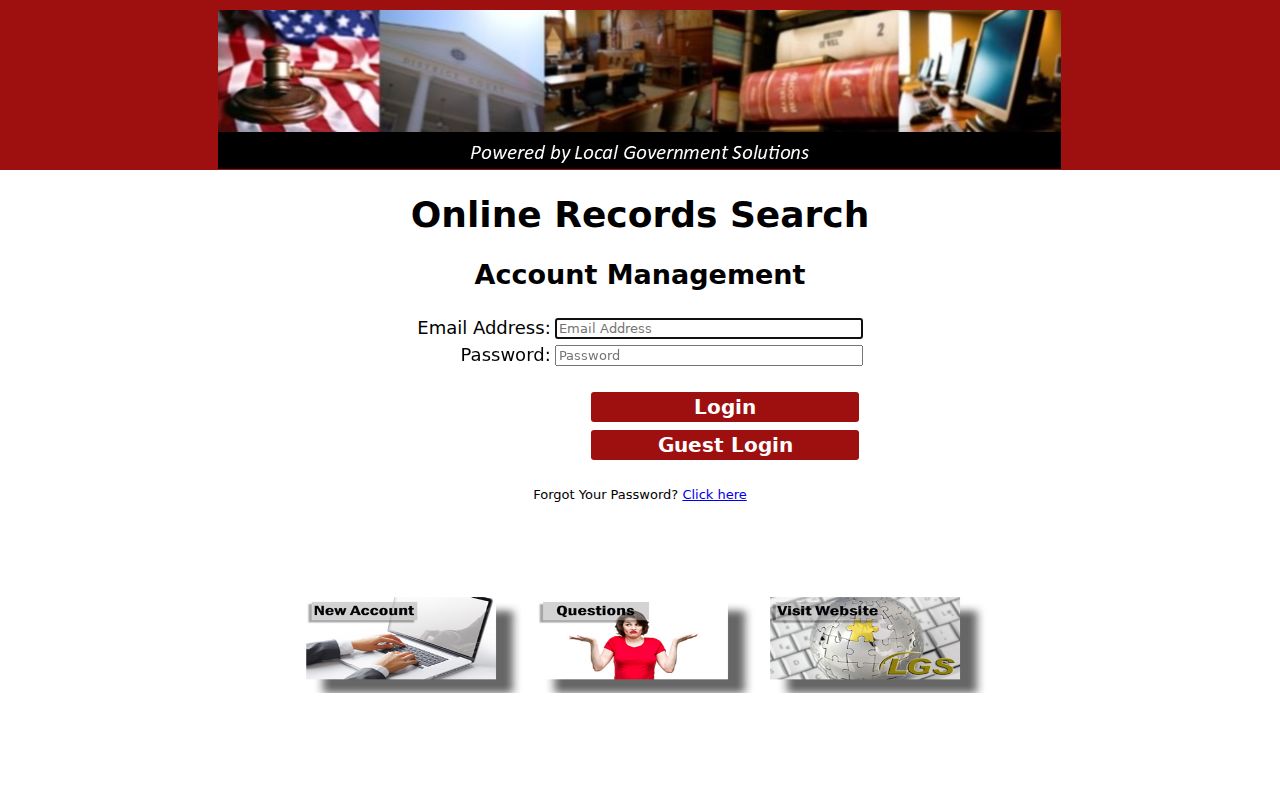
Do not assume that an account screen proves public access to a warrant list.
What a Zapata County Warrant Search Returns
For a JP citation, the public service may return basic ticket information and a Details view. It does not expose every element of a court warrant record, and its configuration does not publish a warrant-status code table. The following fields are a schema of what a court file may contain, not a sample personal record.
| Warrant number | Local format not published Ask the clerk whether the citation or cause number identifies the file. |
|---|---|
| Charge / reason | The complaint, citation, or court event tied to the order. |
| Issuing court | The JP precinct, County Court, or 49th District Court that made the order. |
| Bond terms | May be part of the order; no universal Zapata County amount is published. |
| Service / return | May show whether process was executed or returned to court. |
| Current status | Confirm active, served, recalled, or quashed with the issuing office. |
Zapata County Court Search Boundaries
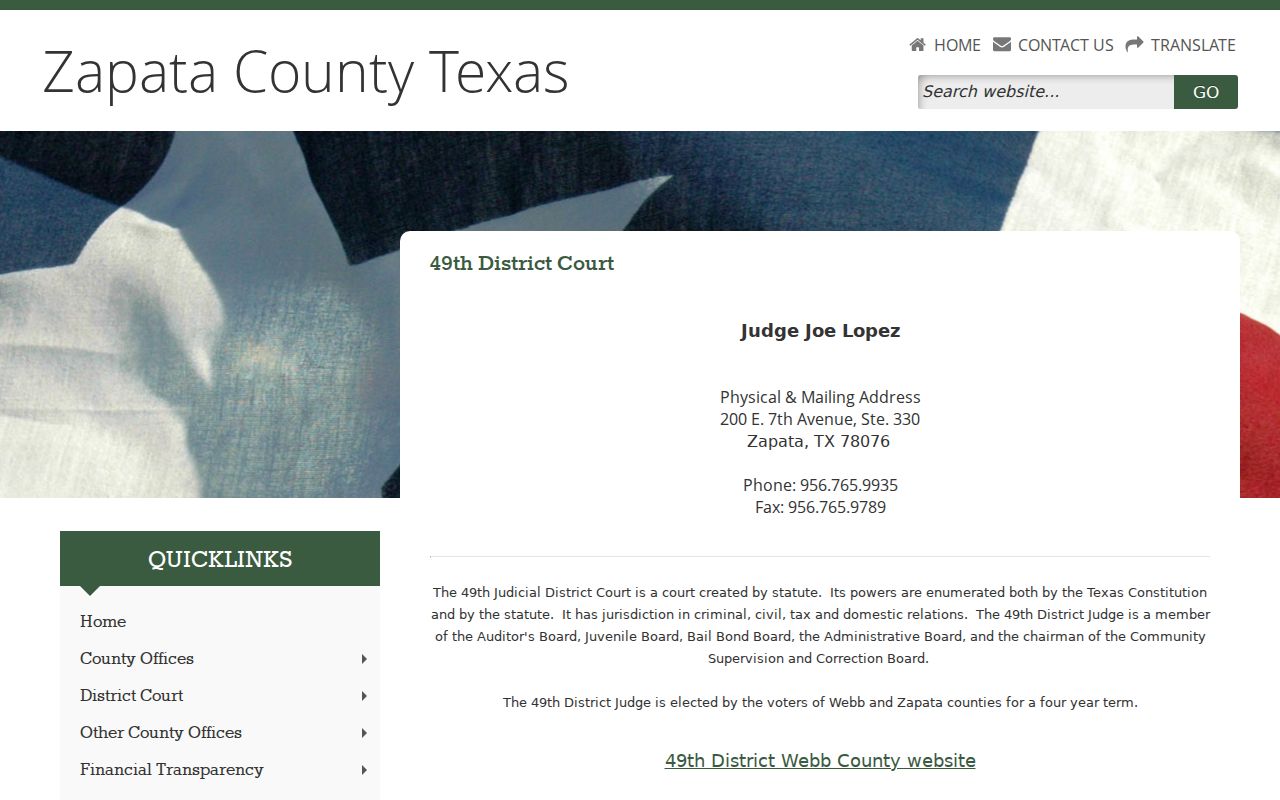
The County Court handles Class A and B misdemeanors, and its public page warns that a failure to appear can lead to bond forfeiture and a capias. The 49th Judicial District Court handles felony and district-court matters. Their files do not flow through the JP citation application.
The County Court page names the capias consequence and the County Clerk contact.
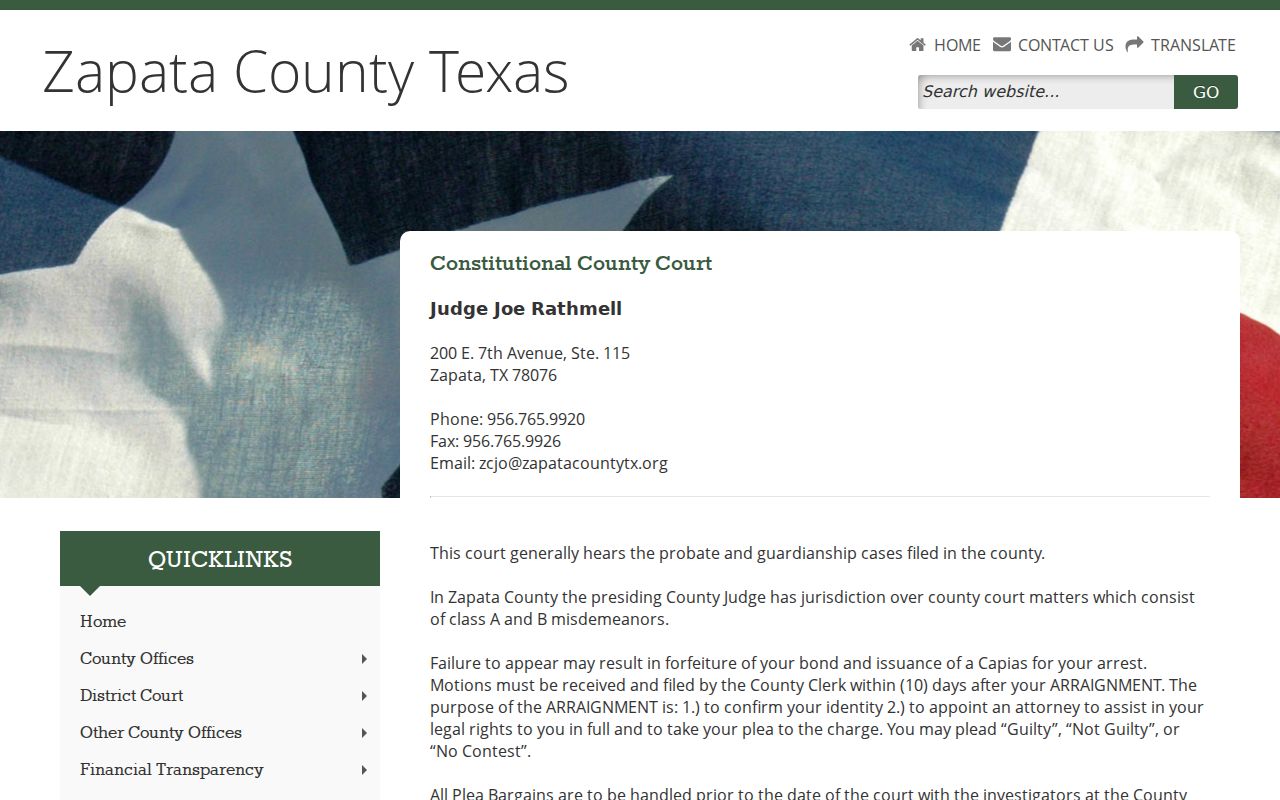
Ask the clerk which office holds the case before filing a records request.
Note: A court's public case screen, a sheriff service record, and a DPS license hold can describe different parts of one event.
Where Zapata County Warrants Are Checked
JP citation matters start with the issuing precinct and GovRec. County Court files go to the County Clerk or County Court office; felony records go to the District Clerk or the 49th Judicial District Court. The Sheriff can address service, custody, and bail for people in custody, but it does not publish a complete index.
The 49th District Court page identifies its felony and district-court role.
TCIC/TLETS is restricted to law-enforcement users. DPS and OmniBase address reported failure-to-appear or failure-to-pay matters for license renewal, not every arrest warrant.
Zapata County Warrant Access Rules
A written Texas Public Information Act request can seek an existing document from the court or agency believed to keep it. Name the court, the file or citation number, the date range, and the record sought. The Attorney General says a request must be in writing, though no special state form is required.
Law-enforcement investigations, sealed files, personal details protected by law, and juvenile matters can be withheld or redacted. A search-warrant affidavit generally becomes public after execution, while a child's arrest warrant and supporting complaint or affidavit are confidential under Family Code section 58.010.
The Texas Attorney General's PIA overview explains request timing and exceptions.
Note: Ask for an existing record rather than asking the county to build a new report or answer a legal question.
Access and Restricted Warrants
Texas public-information rules do not make every warrant file public. A court can seal a record, law enforcement can withhold material when release would interfere with an investigation, and juvenile warrant records have a separate confidentiality rule. Requesters should expect redactions or a referral to the clerk that keeps the file.
Key Rules:
A sealed or unexecuted item may not appear in a public case view.
Texas Family Code section 58.010 makes a child's arrest warrant and supporting complaint or affidavit confidential, with limited exceptions.
A missing result is not proof that no warrant exists; confirm with the issuing court or agency.
Note: Keep a copy of a written request and any response so the named court and requested records remain clear.